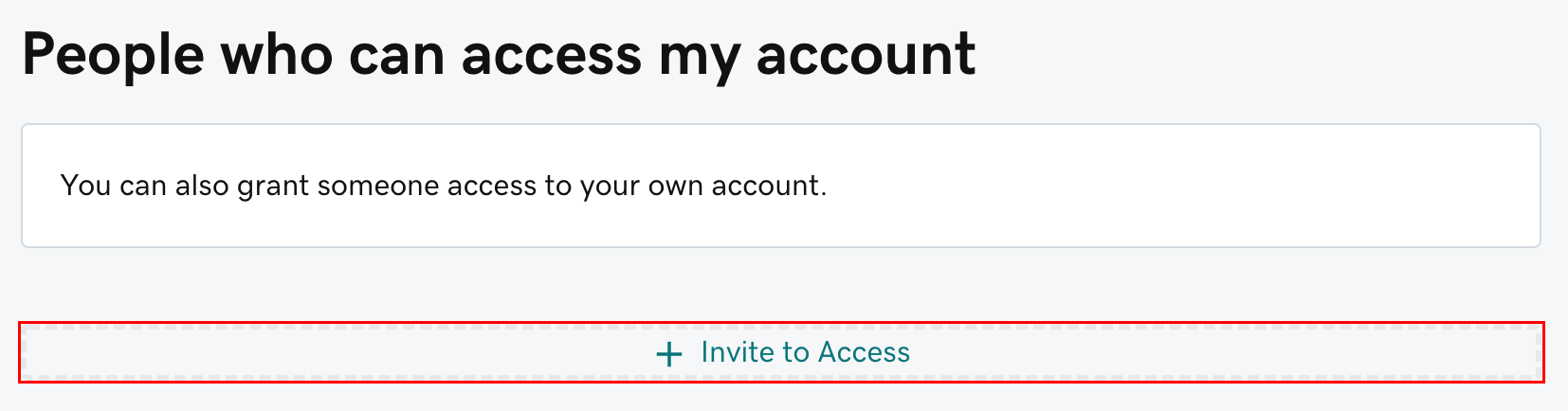
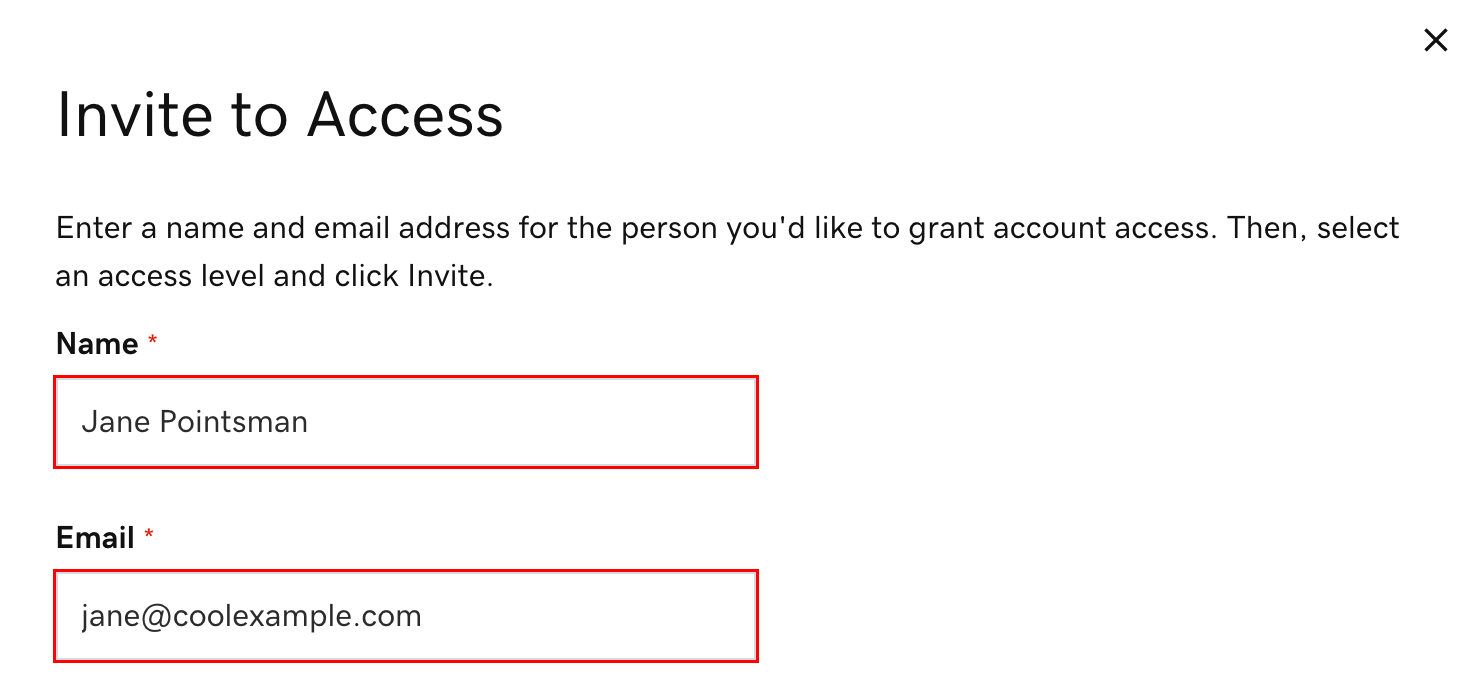
Use GoDaddy delegate access when Red Eye needs to help with your domain, DNS, hosting, or website launch. This gives us the access we need without sharing your password, payment details, or two-factor authentication codes.
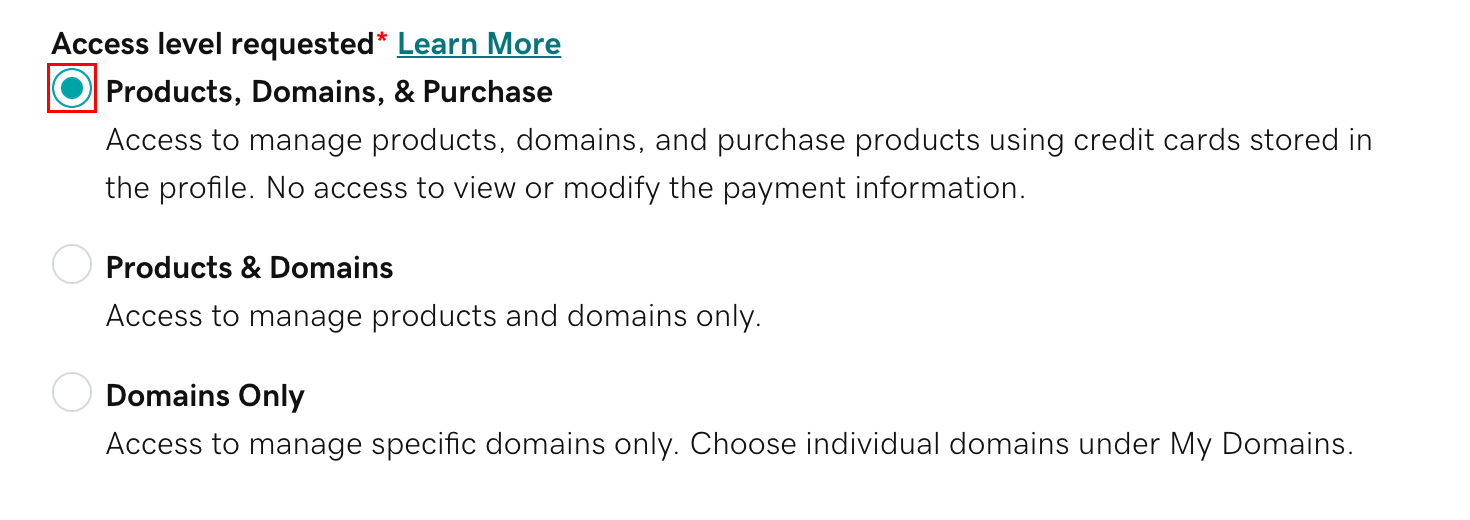
Select Products & Domains. This is the usual setting Red Eye needs for website launch work because it allows access to domains, DNS, and product settings without purchase permission.
GoDaddy's sample screenshot may show a different option highlighted. For Red Eye, choose Products & Domains unless we have specifically asked for purchase access.
4
Send the Invite
Select Invite. GoDaddy will email Red Eye an invitation. Once we accept it, GoDaddy should notify you that delegate access is active.
If the invite is not accepted quickly, it may expire. If that happens, you can send the same invite again.
Optional Domain Permissions
Some GoDaddy accounts allow more specific domain permissions through domain folders. If you have multiple domains and only want Red Eye to access one of them, tell Red Eye before sending the invite.
For normal DNS launch work, Red Eye usually needs Management Access for the relevant domain. Transfer Access is not usually needed unless Red Eye specifically explains why.